Choosing the wrong switch can lead to costly field failures. This damages your product's reputation and your bottom line. Understanding the core types helps you select the right one.
The main industrial switch types are DIP, tactile, and rotary switches1. Each type is designed for a specific function, from setting board-level configurations with DIPs, to providing user feedback2 with tactiles, or selecting multiple modes with rotary switches1. Their durability3 makes them ideal for industrial use.
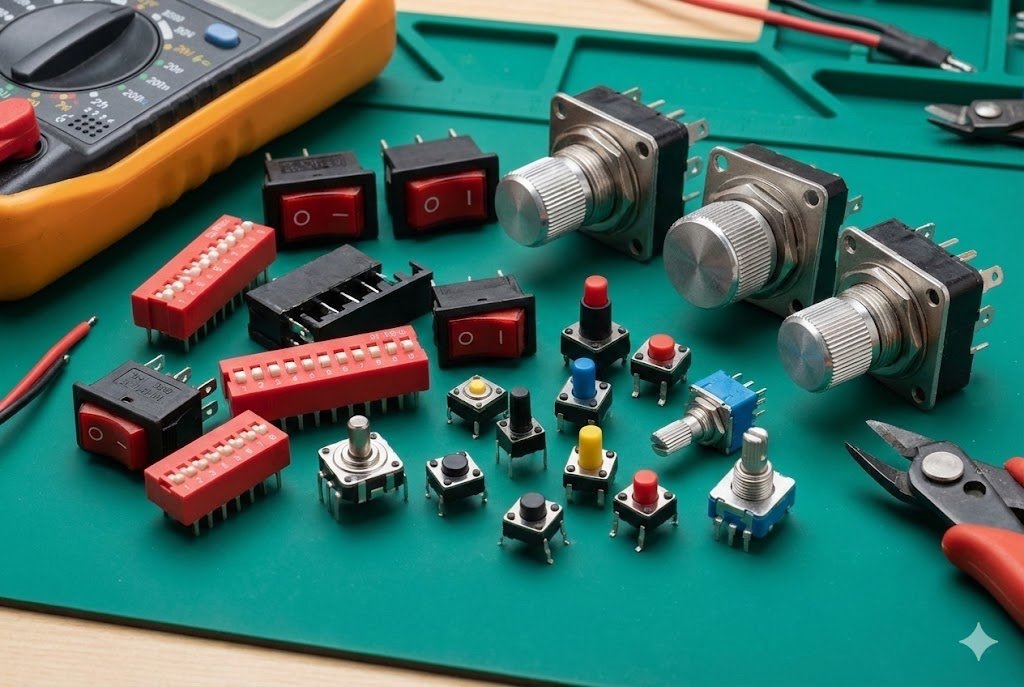
Selecting the right switch is a critical step in any industrial hardware design4. It's a decision that directly impacts usability, reliability, and long-term maintenance. As a component sourcing partner5, I've seen firsthand how a well-chosen switch can make a product successful, while a poor choice can cause endless headaches for end-users and service teams. Let's break down the three most common industrial switch types to help you make an informed decision for your next project.
What makes a DIP switch essential for industrial configuration?
Your device needs preset configurations without complex software. On-site adjustments using software can be slow, require special tools, and are prone to error, causing significant downtime. DIP switches6 offer a simple, reliable hardware solution.
A DIP (Dual In-line Package) switch is a small manual electric switch used to set configurations directly on a circuit board. In industrial settings, it allows technicians to change operating modes7 or set device addresses without power, ensuring reliable and error-free setup.
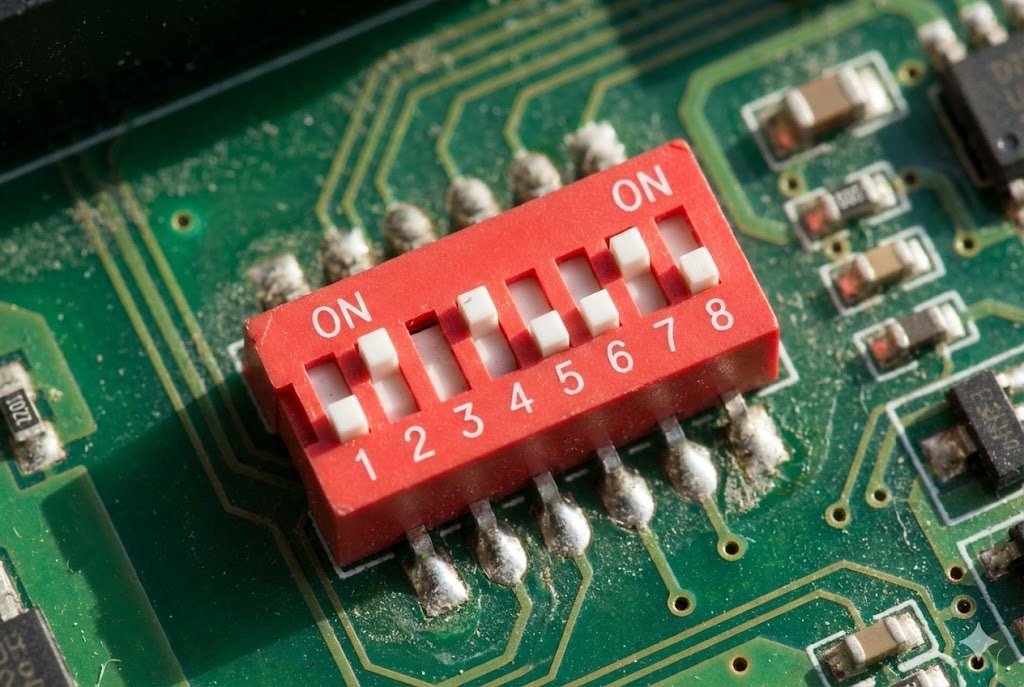
DIP switches6 are the unsung heroes of hardware configuration. I often recommend them to clients who need a "set-and-forget" solution. Their primary job is to give a device a permanent or semi-permanent setting that can be changed manually. This is perfect for industrial environments where you can't rely on a software interface. For example, I once worked with a company building a series of networked sensors for a large factory. Each sensor needed a unique network address8. Instead of programming each one individually, they used DIP switches6. This allowed technicians to set the address on-site with just a small screwdriver, saving immense time during installation.
Key Considerations for Industrial DIP Switches
The beauty of a DIP switch is its simplicity and reliability. Once a setting is made, it stays that way, even through power cycles and harsh conditions. This is a level of dependability that software settings can't always guarantee.
| Feature | Description | Industrial Importance |
|---|---|---|
| Actuator Type | Slide, Piano, or Rotary. | Slide and piano types are common for simple on/off settings. Rotary DIPs are great for selecting from a numbered range. |
| Number of Positions | Typically from 1 to 12. | More positions allow for more complex configuration codes9, like setting multiple operational parameters. |
| Contact Rating | The maximum current and voltage the switch can handle. | Must be suitable for the logic-level signals on the PCB, though they are not for high-power switching. |
| Durability | Rated for a certain number of actuations. | While not operated frequently, they must withstand vibration and environmental stress10 without changing state. |
Choosing the right DIP switch comes down to how many settings you need and how they will be accessed. For internal configurations set only once at the factory, a standard slide-type is perfect. For field-serviceable settings, a more accessible piano or rotary type might be better.
Why are tactile switches11 the workhorse of industrial user interface12s?
Your user interface12 needs clear, responsive feedback. Mushy or unreliable buttons lead to user frustration, input errors, and a perception of low quality. Industrial-grade tactile switches11 provide crisp, dependable feedback.
Tactile switches are momentary action push-buttons that provide a distinct "click" or haptic feedback when pressed. They are essential for industrial control panels, keypads, and equipment because they confirm an action, have a long operational life, and are highly reliable.
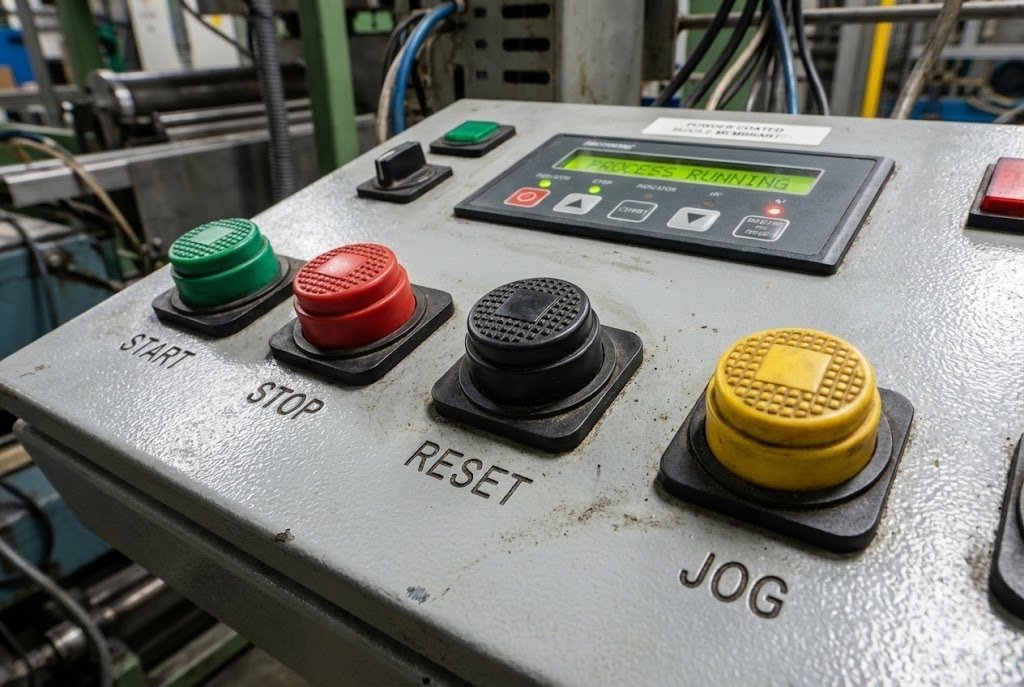
When a machine operator presses a button, they need to know it worked. That's the simple but critical role of a tactile switch. The tangible "click" provides immediate confirmation that the input was registered. This is non-negotiable in noisy or high-stress industrial environments. I remember a client developing a handheld diagnostic tool for mechanics. The users would be wearing gloves and working in loud garages. We helped them source a tactile switch with a high actuation force13 and a very audible click. This small detail made the product much more user-friendly and reduced input errors, which was a major selling point for them. The feedback from the field was that the device "just felt solid and reliable."
Key Parameters for Industrial Tactile Switches
Unlike consumer-grade buttons, industrial tactile switches11 are engineered for extreme durability3 and performance under pressure. They are rated for millions of cycles and designed to resist dust, moisture, and temperature swings. When we source these for clients, we focus on a few key specifications that separate a standard switch from an industrial one.
| Parameter | Description | Why It Matters Industrially |
|---|---|---|
| Lifecycle Rating14 | The number of presses before failure (e.g., 1 million to 10 million cycles). | Ensures the switch outlasts the product itself, even with constant use. Critical for buttons like "Start" or "Emergency Stop." |
| Actuation Force | The amount of pressure needed to press the button, measured in gram-force (gf). | Higher force prevents accidental presses. The choice depends on the application, like use with gloved hands. |
| IP Rating | Ingress Protection rating (e.g., IP67) indicates sealing against dust and water. | Essential for devices used outdoors, in washdown areas, or in dusty factories to prevent internal contamination and failure. |
| Operating Temperature | The range of temperatures in which the switch will function reliably. | Industrial equipment can be exposed to extreme heat or cold, and the switch must perform consistently. |
The right tactile switch balances user feel with the ruggedness required by the environment. For a medical device, a lower actuation force13 might be preferred for precision. For a heavy-duty15 machine control, a higher force and an IP67 rating are likely necessary.
When should you use a rotary switch for multi-mode selection16?
You need to select from multiple distinct operational modes. Using a series of push-buttons is confusing for the user and takes up valuable panel space17. A single rotary switch provides an intuitive, space-saving solution.
A rotary switch allows a user to select one of several positions or circuit paths18 by turning a knob. It is ideal for industrial applications that require choosing from a defined set of options, like test instrument ranges, fan speeds, or machine operating modes7.
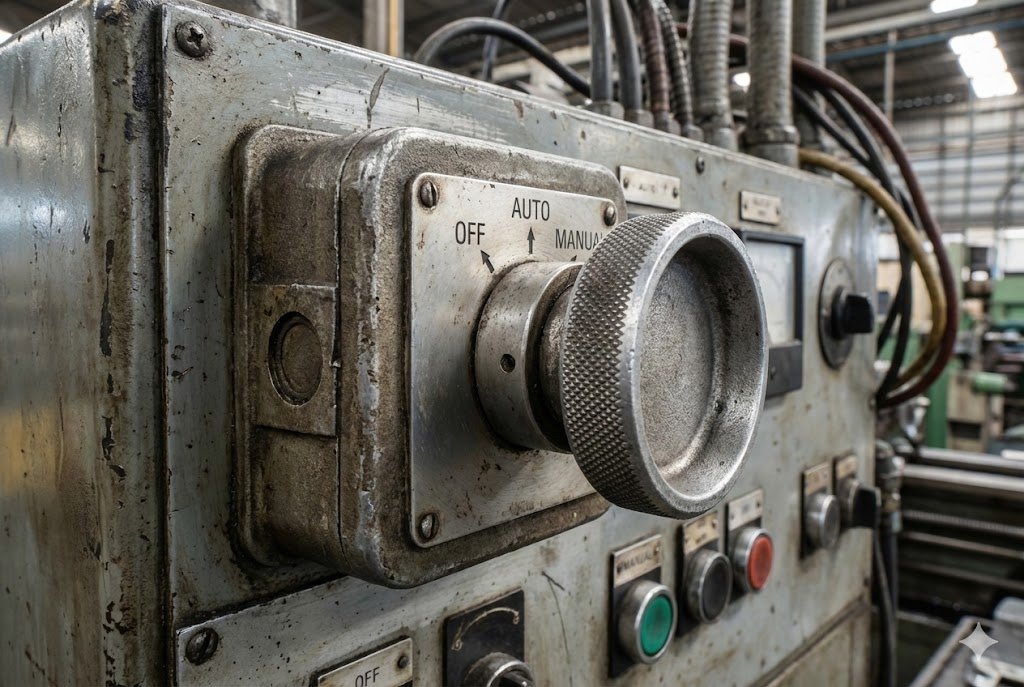
Rotary switches excel where you have a list of options and need to select just one. Think of the function knob on a multimeter or the channel selector on old radios. The concept is the same in industrial machinery. A client of ours was designing a welding machine with different settings for different metal types. Instead of a complex menu system, we recommended a heavy-duty15 rotary switch. The operator could simply turn the knob to "Steel," "Aluminum," or "Stainless Steel." It's an incredibly direct and error-proof way to control a machine's function. The distinct "clunk" as the switch moves into each position provides unmistakable feedback that a selection has been made and locked in.
Key Features of Industrial Rotary Switches
These switches are built to be robust. The internal mechanics are designed for clear detents (the "clicks" between positions) and the contacts are often capable of handling more power than DIP or tactile switches11. This makes them suitable for directly switching low-power loads, not just logic signals.
| Feature | Description | Industrial Application |
|---|---|---|
| Poles and Positions | The number of separate circuits (poles) and selectable options (positions) per pole. | A multi-pole switch can control several different functions simultaneously based on the knob's position. |
| Indexing | The angle between positions (e.g., 30°, 45°, 90°). | Determines the number of available positions and the physical feel of turning the knob. |
| Coding | Can be standard (one output per position) or coded (like BCD or Gray code) for digital logic. | Coded switches are used to provide a binary input to a microcontroller, saving I/O pins. |
| Termination Style | Solder lug, PC pin, or wire leads. | Determines how the switch is connected into the system, whether on a PCB or panel-wired. |
The choice of a rotary switch depends heavily on the number of modes you need and the electrical load being switched. For selecting a voltage on a power supply, a robust, high-current switch is needed. For navigating a menu on a test instrument, a coded rotary switch connected to a microcontroller is a smart, efficient choice.
Conclusion
Choosing between DIP, tactile, and rotary switches1 depends entirely on your application's needs for configuration, user feedback2, or mode selection. Understanding their core strengths ensures a reliable and user-friendly product.
Discover how rotary switches can streamline operations and improve user experience in industrial applications. ↩
Understand the importance of user feedback in creating effective and user-friendly industrial products. ↩
Find out what makes industrial switches reliable and long-lasting in challenging environments. ↩
Gain insights into best practices for designing reliable and efficient industrial hardware. ↩
Find out how to choose the right sourcing partner to ensure quality and reliability in components. ↩
Explore how DIP switches can simplify configurations and enhance reliability in industrial settings. ↩
Explore various operating modes that can enhance functionality and usability in industrial devices. ↩
Understand the process of configuring network addresses for seamless device communication. ↩
Learn about the significance of configuration codes in ensuring proper device operation. ↩
Discover the engineering behind switches that endure harsh industrial conditions. ↩
Learn about the critical role tactile switches play in providing user feedback and ensuring operational reliability. ↩
Explore the essential components that contribute to a successful industrial user interface. ↩
Understand the role of actuation force in ensuring user-friendly and reliable switch operation. ↩
Explore the importance of lifecycle ratings in selecting durable and reliable switches. ↩
Explore the characteristics that make a switch suitable for heavy-duty industrial use. ↩
Learn how multi-mode selection enhances functionality and user experience in devices. ↩
Discover strategies for maximizing panel space while maintaining functionality in control systems. ↩
Learn about the significance of circuit paths in the functionality of rotary switches. ↩