Serial communication fails often. You lose time debugging bad connections. I will show you how to master DB9 connector1s and RS-232 wiring to fix these issues fast.
The DB9 connector1 is a 9-pin plug used for RS-232 serial communication2. It connects computers to industrial devices. RS-232 is the standard that defines the signals. Together, they allow reliable data transfer. Understanding standard straight-through and null modem wiring3 solves most connection problems.
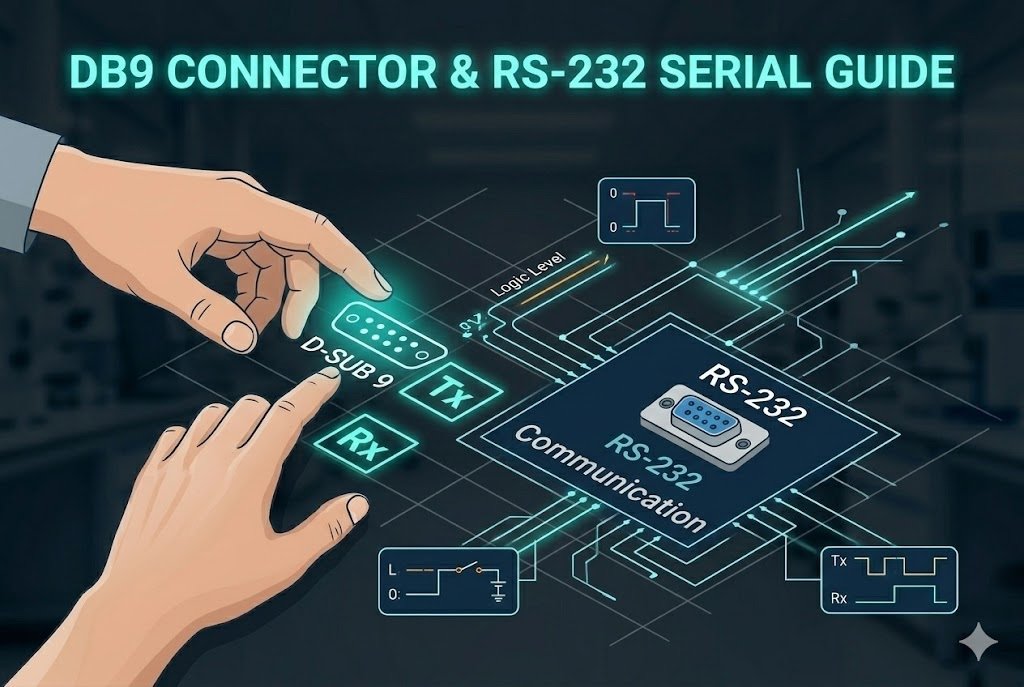
Let us dive into the details of DB9 wiring. You will learn the exact differences between wiring types. This knowledge will save you hours on the factory floor. I want to make your daily work much easier.
How Does Standard Straight-Through Wiring Work for DB9 Connectors?
Connecting a computer to a device can be tricky. A wrong cable stops data flow. You need a straight-through cable4 to link DTE to DCE devices easily.
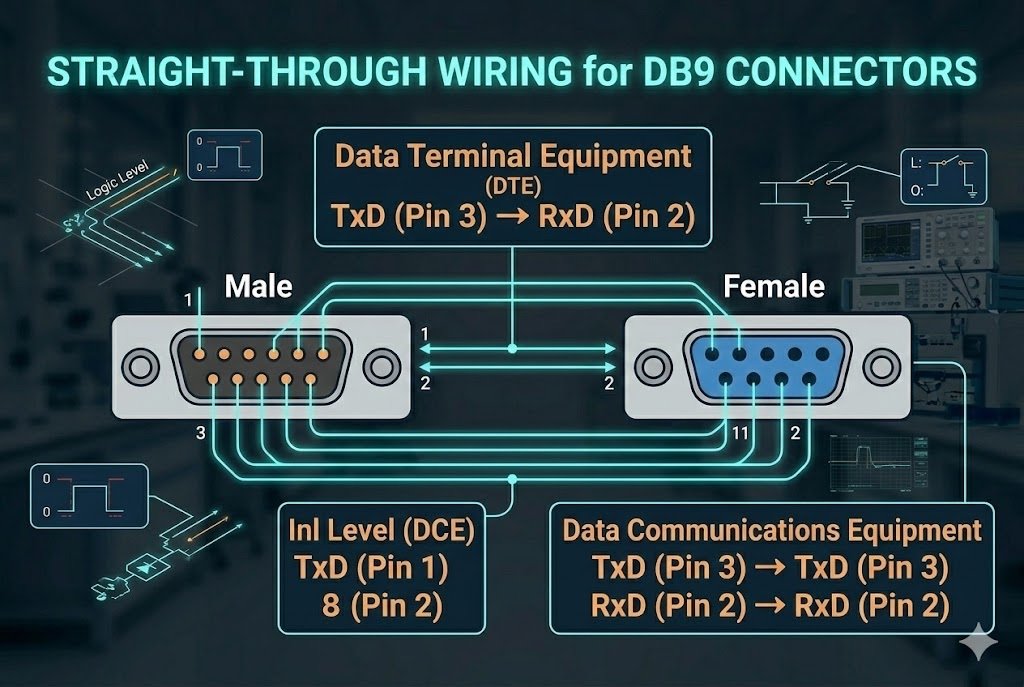
A standard straight-through cable4 connects Pin 1 to Pin 1, and Pin 2 to Pin 2. It links a computer to a modem. The computer is a DTE device. The modem is a DCE device. The pins match perfectly from one end to the other end.
The Pinout of a DB9 Connector5
A DB9 connector1 has nine pins. Each pin has a specific job. I work with these connectors every day. I see many engineers forget the pinout. Pin 2 receives data. We call this RxD. Pin 3 transmits data. We call this TxD. Pin 5 is the ground. We call this GND. You need these three pins for basic communication.
Why DTE and DCE6 Matter
You must understand DTE and DCE6. DTE means Data Terminal Equipment. A computer is a DTE device. DCE means Data Circuit-Terminating Equipment. A modem is a DCE device. A straight-through cable4 connects a DTE to a DCE. Pin 2 on the DTE connects to Pin 2 on the DCE. Pin 3 connects to Pin 3. The signals travel without any blocks.
I remember a project last year. A young engineer used a straight-through cable4 to connect two computers. The system did not work. He spent three days checking the software. He did not check the hardware. Two DTE devices cannot talk with a straight-through cable4. The transmit signals crash into each other. I showed him the error. We changed the cable. The system worked instantly.
| Pin Number | Signal Name | Signal Direction (DTE to DCE) |
|---|---|---|
| Pin 2 | RxD | DCE sends to DTE |
| Pin 3 | TxD | DTE sends to DCE |
| Pin 5 | GND | Common Ground |
What is Null Modem Wiring and Why Do You Need It?
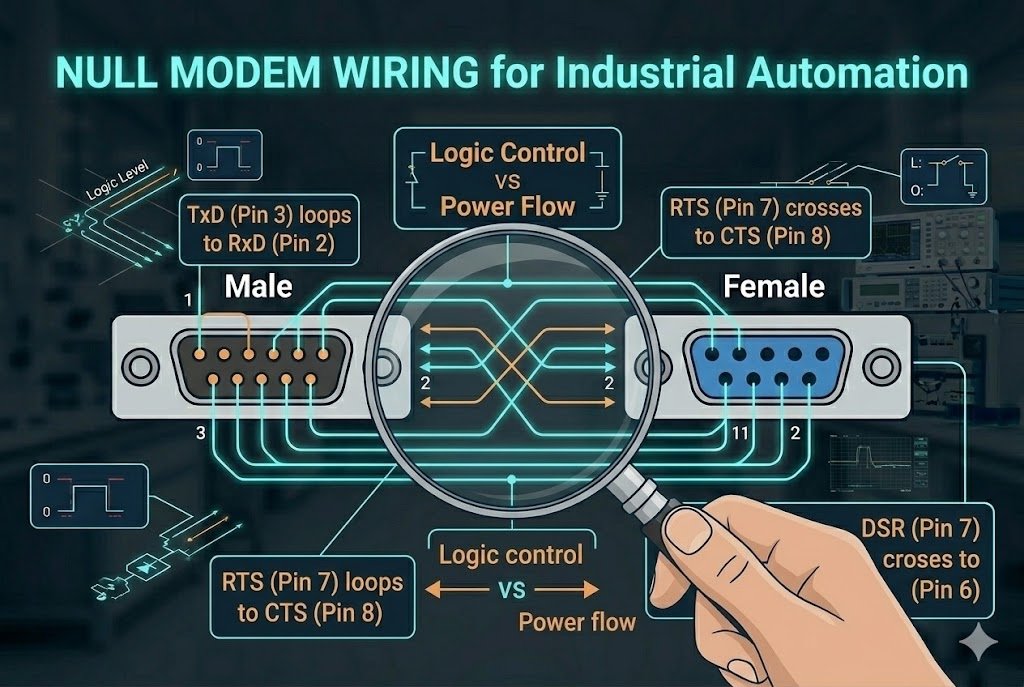
Two computers cannot talk using a normal cable. Data crashes when both transmit at once. A null modem cable7 crosses the wires to solve this problem instantly.
Null modem wiring connects two DTE devices directly. It crosses the transmit and receive lines. Pin 2 on one end connects to Pin 3 on the other. This setup lets both devices send and receive data safely. It is perfect for linking two computers without a modem.
How Null Modem Fixes Communication
A straight-through cable4 fails when you connect two DTE devices. Both devices send data on Pin 3. Both devices listen on Pin 2. The data collides. No device hears anything. A null modem cable7 fixes this. It crosses the wires inside the cable.
Pin 3 on the first device connects to Pin 2 on the second device. Pin 2 on the first device connects to Pin 3 on the second device. The transmit line goes to the receive line. The receive line goes to the transmit line. Pin 5 always connects to Pin 5 for the ground.
Real-World Industrial Automation
Null modem cables are very practical in industrial automation. I visit many factory floors. I see programmable logic controllers (PLCs)8 everywhere. A PLC is a DTE device. An engineer uses a laptop to program the PLC. A laptop is also a DTE device. You must use a null modem cable7 to connect them.
This wiring is vital for debugging. You can monitor the system in real time. You can send test commands from your laptop directly to the machine. You do not need extra network equipment. You just need one simple, crossed cable.
| Cable Type | Pin 2 Connection | Pin 3 Connection | Best Use Case |
|---|---|---|---|
| Straight-Through | Pin 2 | Pin 3 | Computer to Modem |
| Null Modem | Pin 3 | Pin 2 | Computer to Computer |
How Can You Find Authentic DB9 Connectors for Your Projects?
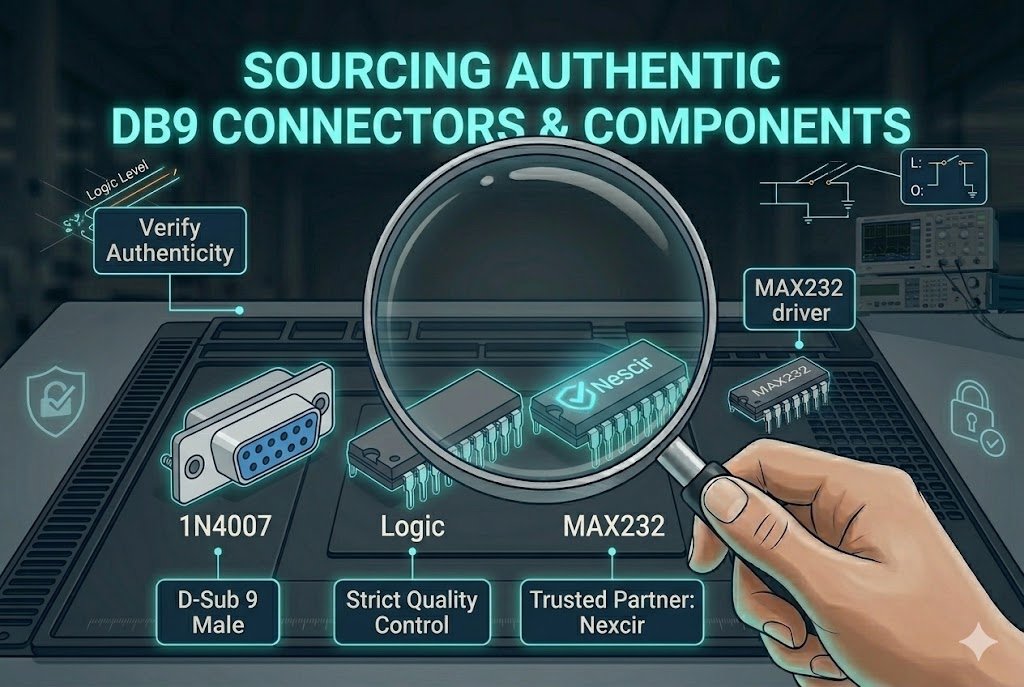
Fake connectors break easily in harsh environments. Production stops when bad parts fail. I help you source original DB9 components to keep your lines running smoothly.
You must buy DB9 connector1s from trusted global distributors. Authentic parts ensure stable RS-232 signals. They resist physical wear. Working with experts gives you access to original manufacturers. We provide stable pricing and reliable delivery for all your electronic component needs.
The Danger of Fake Connectors
Counterfeit components cause huge problems. I see this often in our industry. A fake DB9 connector1 looks real on the outside. But the inside is cheap. The metal pins are weak. The gold plating is too thin. The pins bend easily when you plug them in.
A bad connection drops the RS-232 signal. Your machine stops working. Your factory loses money. You spend hours looking for a software bug. But the real problem is a cheap piece of plastic and metal. You must avoid these risks.
How I Secure Your Supply Chain
I help OEM and ODM procurement9 managers every day. My team has over 20 years of experience in the electronic components industry. We know the market dynamics. We source parts only from authorized distributors. We guarantee 100 percent authenticity for every shipment.
We also solve pricing problems. Market prices go up and down. We use our global supply network to find stable prices. We offer flexible shipping solutions. We deliver your parts safely and on time. We want to be your trusted partner.
| Connector Type | Pin Quality | Signal Stability | Supply Source |
|---|---|---|---|
| Authentic | Strong metal | High | Authorized Distributor |
| Fake | Weak metal | Low | Unknown Broker |
What Are the Common Issues with RS-232 Serial Communication?
Serial ports fail for many reasons. Loose cables cause random errors. I will teach you how to check your RS-232 setup to avoid daily frustrations.
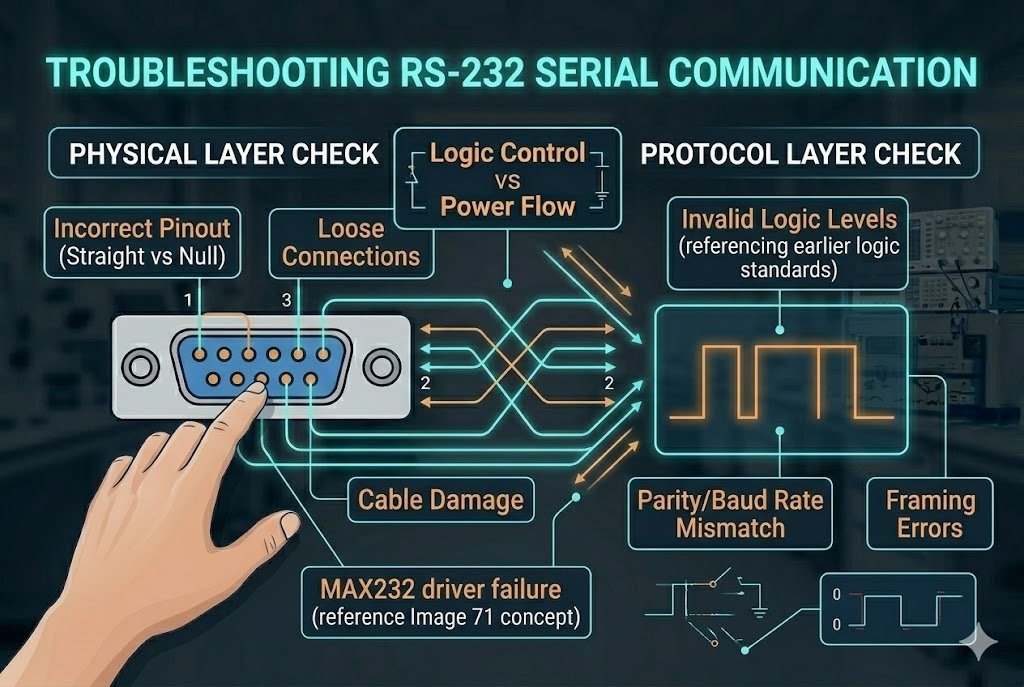
The most common RS-232 issues are wrong cable types, bad baud rate10s, and loose physical connections11. A mismatched baud rate10 creates junk data. A loose connector drops the signal entirely. Checking your port settings and tightening the connector screws solves most problems.
Checking the Baud Rate
The baud rate10 is the speed of your data. Both devices must use the exact same speed. One device sends data at 9600 baud. The other device must listen at 9600 baud. If the speeds do not match, you see strange symbols on your screen. We call this junk data.
I always check the software settings first. I open the device manager on my computer. I look at the COM port properties. I match the bits per second, data bits, parity, and stop bits. This simple check takes one minute. It saves hours of confusion.
Securing the Physical Connection
DB9 connector1s have two small screws. These screws are very important. Industrial machines vibrate a lot. A loose cable will slowly fall out. The data link will break. You must tighten these screws every time you plug in a cable.
A damaged cable also causes errors. I always inspect the cable before I use it. I look for cuts in the wire. I look for bent pins inside the connector. I throw away bad cables immediately. I only use high quality cables from trusted brands.
| Problem | Symptom | Solution |
|---|---|---|
| Mismatched Baud Rate | Junk data on screen | Match port settings |
| Loose Cable | Random signal drops | Tighten connector screws |
| Wrong Cable Type | No communication | Use Null Modem or Straight-Through |
Conclusion
Mastering DB9 and RS-232 wiring prevents downtime. Use straight-through for DTE to DCE, and null modem for DTE to DTE. Always source authentic parts to ensure reliable communication.
Understanding the DB9 connector is crucial for reliable RS-232 serial communication, ensuring seamless data transfer between devices. ↩
Exploring RS-232 serial communication helps you grasp the standard signals for effective data transfer between computers and industrial devices. ↩
Null modem wiring is essential for connecting two DTE devices, preventing data collision and ensuring smooth communication. ↩
Using a straight-through cable correctly connects DTE to DCE devices, facilitating uninterrupted data flow. ↩
Knowing the pinout of a DB9 connector is vital for setting up basic communication, especially the roles of RxD, TxD, and GND pins. ↩
Understanding DTE and DCE is key to choosing the right cable type for connecting devices, preventing communication errors. ↩
A null modem cable is vital for connecting two DTE devices, allowing safe data exchange without a modem. ↩
PLCs are essential in industrial automation, and understanding their connection needs can enhance system efficiency. ↩
Securing authentic components through trusted distributors ensures reliable operation and prevents costly failures. ↩
Matching baud rates between devices is essential to prevent junk data and ensure smooth communication. ↩
Securing physical connections prevents random signal drops, ensuring reliable data transfer in industrial environments. ↩