Scope: What the A3212ELHLT-T BOM Specification Must Capture
A BOM line does two jobs at once. It records which device engineering approved, and it tells purchasing, goods-in and the EMS what to expect when the order arrives. For the A3212ELHLT-T, six documented parameters carry that information. Every one of them belongs on the BOM line; anything outside those six is not part of the specification this guide covers.
| BOM field | Value to record | Why the field matters |
|---|---|---|
| Operating voltage | 2.5 to 3.5 V | Defines the supply window the part is documented to operate within |
| Operating temperature | –40 to 85 °C | Defines the ambient range the part is documented to operate within |
| Package | SOT23W | Drives the land pattern, the placement file and the rework tooling |
| Pin count | 3 | Confirms the lead count the footprint and the assembly file assume |
| Quiescent current | 8.0 µA | One of two separate current figures on the data sheet |
| Supply current | 2.0 mA | The second, distinct current figure |
Each value is copied, not calculated. Purchasing teams are not expected to judge whether 2.5 to 3.5 V or –40 to 85 °C suits a particular design — that judgement is engineering's. The procurement task is to carry the approved values through unchanged, with the same units, the same prefixes and the same endpoints.
That discipline matters because the BOM is often the only document a buyer and a supplier share. A value that has been paraphrased, shortened or quietly adjusted does not announce itself. The discrepancy surfaces later: at goods-in, when the delivered part is compared against the line, or on the line itself, when a device no longer matches the board it was chosen for. Correcting a BOM line before release takes minutes; correcting it after a purchase order has been placed against it takes a purchasing cycle.
A practical rule for the six fields below: if a value cannot be entered exactly as documented, flag the field for engineering review rather than entering a close approximation.
Voltage Field: Recording the 2.5 to 3.5 V Operating Range
The operating voltage of the A3212ELHLT-T is documented as 2.5 to 3.5 V. That is a range with two endpoints, and both endpoints belong in the field.
The most common error in this field is replacing the range with a single nominal rail value. A supply rail is a point; the specification is a window. Writing the rail value into the BOM field narrows the documented range to one condition and hides the fact that the device is documented to operate at either endpoint and everywhere between them. The second most common error is the opposite: widening the entry so that it covers every supply domain on the board. A widened field no longer describes the approved device.
Three checks keep the voltage field honest:
- Both endpoints are present. An entry that names only the low or only the high limit is incomplete.
- The unit is V. Do not drop it, and do not restate the range in another unit of measure.
- The decimal place is preserved. Retyping a limit from memory is how endpoints drift.
If the BOM template offers only a single-value voltage column, do not pick one endpoint to fill it. Record the full range in the notes or description field and raise the template limitation with the engineer who owns the specification. The template is easier to change than a released purchase order.
The voltage field also feeds design reviews and second-source discussions, so a reader who sees 2.5 to 3.5 V on the line knows immediately which part of the circuit the device was approved for. A single value tells them much less, and a value that has been widened tells them something incorrect.
Temperature Field: Capturing –40 to 85 °C in the BOM
The operating temperature of the A3212ELHLT-T is documented as –40 to 85 °C, and that is what the field must say.
The leading minus sign is the character most often lost in transcription. A dropped minus sign does not produce a warning in any purchasing system; it produces a different specification. Type the low endpoint with its sign, keep the degree symbol and the C, and keep the high endpoint as documented.
The same rule against unit conversion applies here. Record the range in °C as documented rather than restating it in another scale. If a downstream system reports in different units, that conversion belongs to the system, not to the BOM author, because every conversion is an opportunity for a rounding error to enter a field that engineering approved at a specific value.
A second discipline is labelling. The field is the operating temperature field. Do not re-label it as a storage, handling or soldering condition, and do not move the value into a column intended for another parameter. A value that is correct but sits under the wrong label is just as misleading as a wrong value, because the next reader has no way to know it was moved.
When the intended operating environment sits outside the documented range, the BOM is not the place to resolve it. Do not edit the field to match the environment. Route the question to engineering, who can decide whether the design changes or the specification changes. Editing the field only hides the mismatch until goods-in or the assembly floor finds it.
Package and Pin Count: SOT23W and 3 Pins in the BOM Line
The A3212ELHLT-T is documented in package SOT23W with a pin count of 3. These are two fields describing one physical object, and both are needed.
The package field drives the practical side of assembly: the land pattern etched into the board, the placement file, the nozzle and the rework tooling. The pin count field is a separate confirmation of how many leads the footprint expects. A BOM line that carries the package but omits the pin count leaves the footprint assumption unstated; a line that carries the pin count but writes the package loosely leaves the land pattern unstated. Neither field, alone, prevents a mismatch.
Write the package exactly as documented — SOT23W — and do not normalise the spelling, insert separators or substitute a package name you believe to be equivalent. Two similar-looking designations are still two different designations, and the BOM exists precisely so that nobody has to guess which one was approved.
The pin count entry is a plain integer: 3. Do not qualify it, do not write it as a word, and do not append a lead-style description to it. It is a cross-check against the footprint, and a cross-check only works when it is unambiguous.
On the assembly side, the consequence of a loose package field is concrete. A stencil prints solder paste onto a land pattern that was designed for a specific body and lead arrangement, and the part either sits on those pads or it does not.
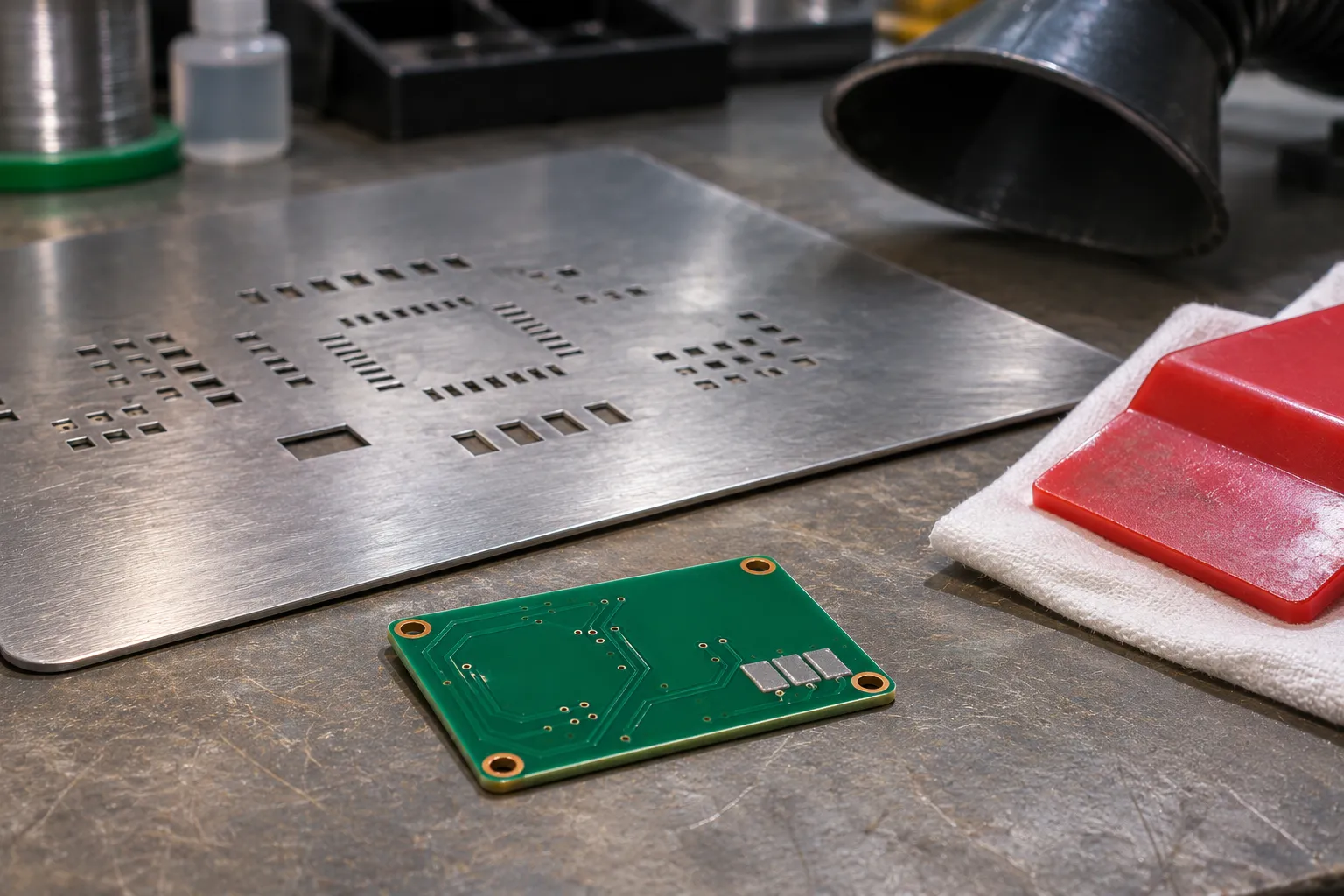
A mismatch found at that stage is not a documentation problem any more; it is a line-stop, a stencil revision and a re-qualification. The BOM field is the cheapest place in the whole process to catch it.
Current Fields: Separating 8.0 µA Quiescent Current from 2.0 mA Supply Current
The A3212ELHLT-T carries two current figures, and they are not interchangeable. The quiescent current is documented as 8.0 µA. The supply current is documented as 2.0 mA.
Note what differs between the two entries: the numeric values, the unit prefixes and the parameter labels all differ. A single "current" column in a BOM template cannot hold both without losing the information that makes each one meaningful — which condition each figure describes.
Record them as two lines with their own labels:
- Quiescent current — 8.0 µA. Keep the µ prefix and the decimal place.
- Supply current — 2.0 mA. Keep the m prefix and the decimal place.
Do not convert either figure into the other's unit, and do not merge them into a combined entry such as a slash-separated pair. A merged entry invites a reader to treat the two numbers as a range, and they are not a range.
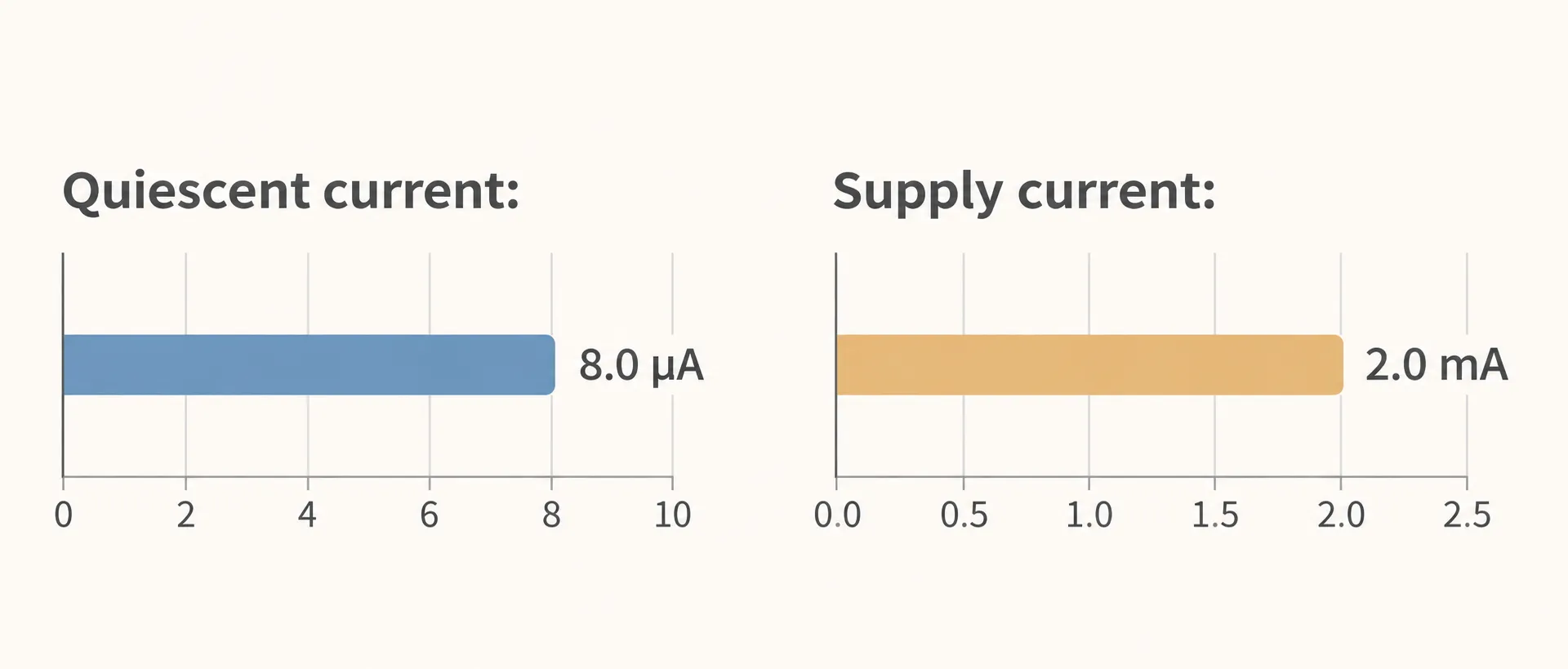
The gap between the two figures is also a reason for care rather than a reason for shorthand. Any reader who has both entries in front of them can see that these describe different operating conditions; a reader who has a single combined entry has to guess. Guessing at a current figure is how a power budget review ends up on the wrong number.
If a template supplies only one current column, use the notes field for the second parameter and state clearly which label belongs to which figure. Do not delete the second figure to make the line fit the template. A missing parameter is not a neutral omission — it looks the same as a parameter that was never specified.
BOM Review Checklist for the A3212ELHLT-T Specification
A short, repeated review routine catches nearly every transcription error before release. Run it against the A3212ELHLT-T line each time the BOM is revised, and run it again before the line is handed to a supplier.
- Operating voltage. The field reads 2.5 to 3.5 V with both endpoints present, the unit V and the decimal places intact.
- Operating temperature. The field reads –40 to 85 °C with the leading minus sign, the degree symbol and the C.
- Package. The field reads SOT23W exactly, with no separators inserted and no substitute designation.
- Pin count. The field reads 3 as a plain integer.
- Quiescent current. The field reads 8.0 µA under its own label, with the µ prefix and the decimal place.
- Supply current. The field reads 2.0 mA under its own label, with the m prefix and the decimal place.
- Completeness. All six fields are populated. No field has been left blank, marked with a placeholder or deferred to a later revision without a note saying so.
- Provenance. The values match the approved specification the engineer signed off, not an earlier revision, not a similar line elsewhere in the same BOM and not a value recalled from memory.
The last step happens away from the screen. Before a new or revised line goes onto an approved vendor list, take one delivered device to the goods-in bench and compare the physical part against the line: the package designation against the body, and the pin count against the leads.
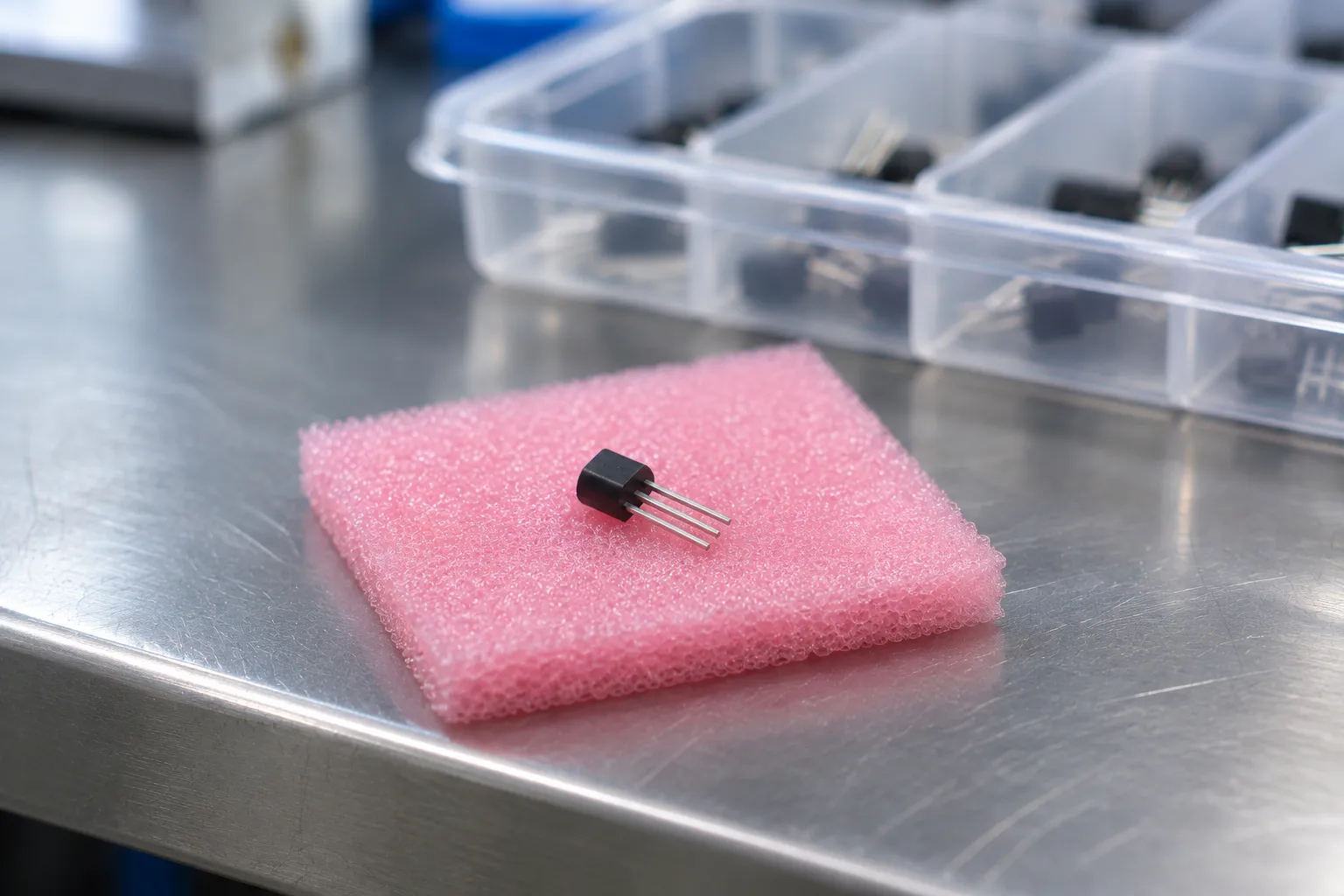
This is also where escalation is decided. If any check fails, or if a documented value cannot be entered into the template, record the issue and send it to the engineer who owns the specification. Editing the BOM to match what the system accepts reverses the direction the document is supposed to travel: the BOM records the decision, it does not make one.
Keep the reviewed line, and the revision it was reviewed against, so that the next reviewer can see what changed and when.
How to request a quote
Send NexCir the A3212ELHLT-T BOM line as you hold it — with the operating voltage, operating temperature, package, pin count and both current fields populated as documented — and our team will work from those entries when preparing a quotation.
If the specification is still being consolidated, include the fields you have confirmed and mark the ones still under review, so the enquiry reflects the current state of the line rather than an assumed one. Requirements can be submitted with the BOM attached, or written out in the body of the message.