Why a Parameter Checklist Matters for A3987SLPTR-T Procurement
A specification request is only as reliable as the parameters written into it. For the A3987SLPTR-T, the documented values cover five practical families: the physical form factor, the supply window, the output rating, the temperature range and the current consumption figures. Each one answers a different question, and each one has to be confirmed internally before it is used in a request.
The checklist approach keeps those families separate. A package question is settled by a footprint drawing, a voltage question by the rails the design will actually provide, and a current question by the load the output has to drive. Mixing them produces a request that reads as complete but leaves the reviewer unable to tell which values were checked and which were assumed.
The sections below take the documented values in that order, note what each one means for a buyer, and end with a consolidated request line that internal reviewers and suppliers can work from. Only documented values are used; where a question falls outside them, it is flagged for the design team rather than answered here.
Package and Pin Count: Confirm the Physical Form Factor
The A3987SLPTR-T is documented as a 24-pin TSSOP with an exposed thermal pad, and the pin count is 24.
Those two facts do different jobs in a procurement review. The pin count fixes how many connections the board has to provide. The exposed thermal pad is a feature of the package body that the layout has to accommodate separately from the 24 leads, so confirming the form factor is not simply a matter of counting pads on a footprint.
For a buyer, this is the first place a mismatch appears. A footprint drawn for a package without an exposed pad, or a land pattern copied from a different body, will pass a casual drawing check and fail at assembly. The confirmation step is to take the package description and the pin count from the document, then ask the layout owner to confirm that the board footprint was drawn for a 24-pin TSSOP with an exposed thermal pad — not for a similar package without one.
It is also worth settling early who owns the thermal-pad decision. Whether the pad is soldered down, and how, is a board-level and assembly-level choice; procurement's job is to make sure the request states the package exactly as documented so that the choice is made knowingly.
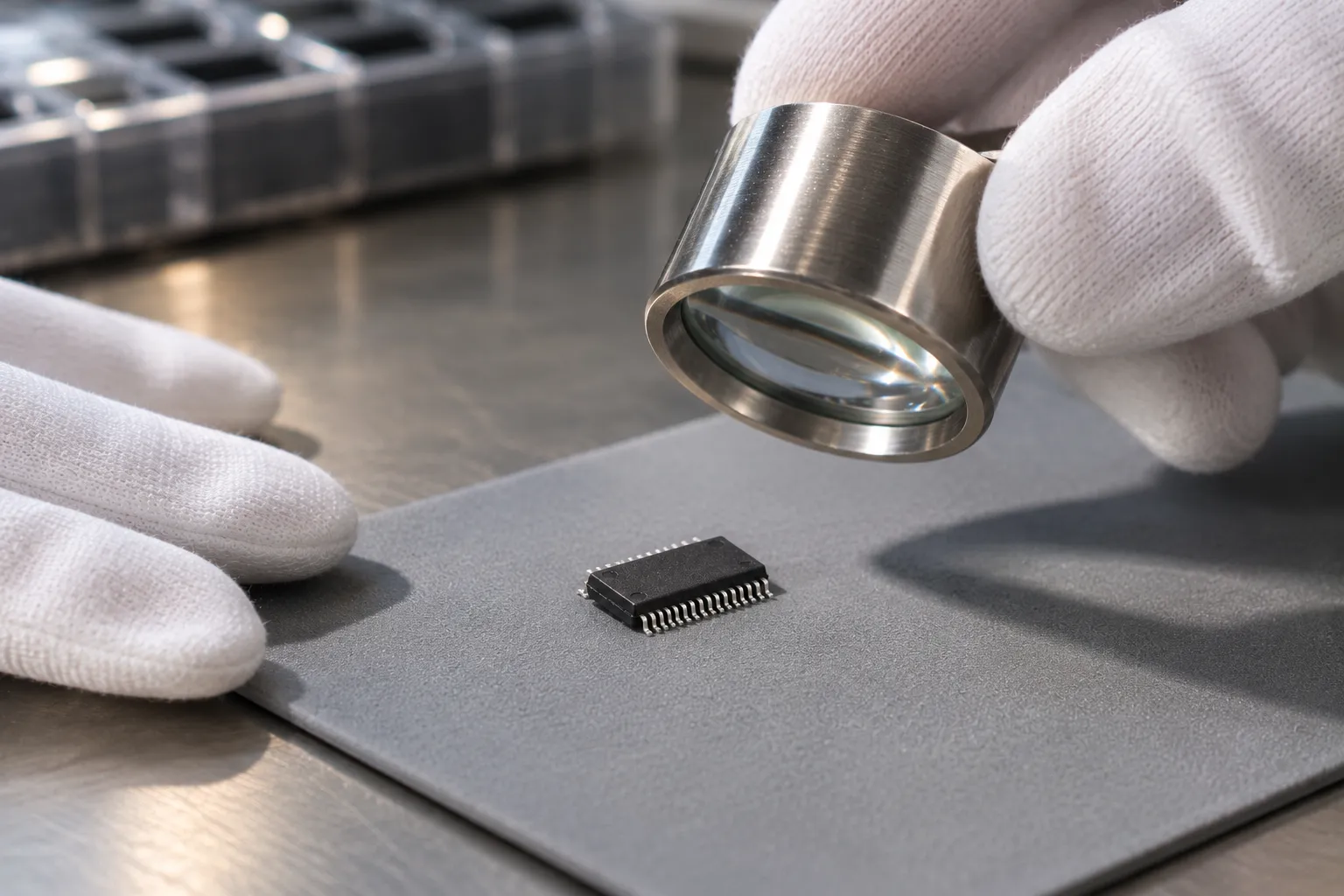
Physical confirmation is the second half of the check. Comparing the documented package description against the parts in hand at goods-in, rather than against a remembered or abbreviated description, catches the case where a request has drifted from the actual device.
Operating Voltage: Match the Window to Your Design Rails
The documented operating voltage for the A3987SLPTR-T is 8 – 50 V.
For purchasing, this figure is a compatibility test, not a target. The question to put to the design team is simple: what supply rails will the board provide, and do they sit inside the documented window? A rail below the lower end or above the upper end is outside the documented range, whatever the board's previous design used.
Two habits cause problems here. The first is treating the window as a nominal figure and checking only that the design "runs at" something inside it, without confirming the tolerance of the rail that supplies it. The second is carrying a voltage figure forward from an earlier project. Both produce a request that quotes a number the design never verified.
The clean way to close the section is to state the window as documented, then record the design's rail alongside it with the confirmation of whoever owns the schematic. If the rail falls outside 8 – 50 V, the request stops there and the design decision goes back to the engineering team rather than being resolved in the purchase order.
Output Current Rating: Check It Against the Load
The documented output current is ±1.5 A.
The rating is written with a ± sign, which is a reminder that the figure has to be matched against what the load requires rather than against a single headline number. The buyer's task is to obtain the drive requirement from the design team and confirm that the documented rating covers it with the margin the design intends.
This is also where requests most often go vague. "Needs about an amp" is not a requirement that can be checked against a datasheet; a stated drive figure in the same terms as the documented rating is. Ask the design owner for the load requirement in those terms, and keep the documented ±1.5 A quoted exactly as written so a reviewer can compare the two directly.
If the load requirement is close to the rating, that is a design conversation, not a procurement one. Record the requirement, record the documented rating, and let the engineering owner confirm the fit.
Operating Temperature and Thermal Path
The documented operating temperature range is –20 to 85 °C, and the package is a 24-pin TSSOP with an exposed thermal pad.
The temperature range is the easier half. Ask what environment the assembled board will operate in — the enclosure, the airflow, the neighbouring heat sources — and check that the answer sits inside the documented range. A range confirmed against the wrong environment is worse than no range at all, because it looks settled.
The thermal path is the half that needs a conversation. The exposed thermal pad is part of the package, and how heat leaves the device through that pad depends on the board: the copper it lands on, the layers beneath it, and the surrounding layout. None of that is a procurement decision, but all of it is a question the buyer should route to the design team rather than assume.
A useful discipline is to keep the package description and the temperature range together in the request. When a reviewer sees both, the follow-up question — "and how is the pad handled on this board?" — gets asked at review time instead of after the boards are built.
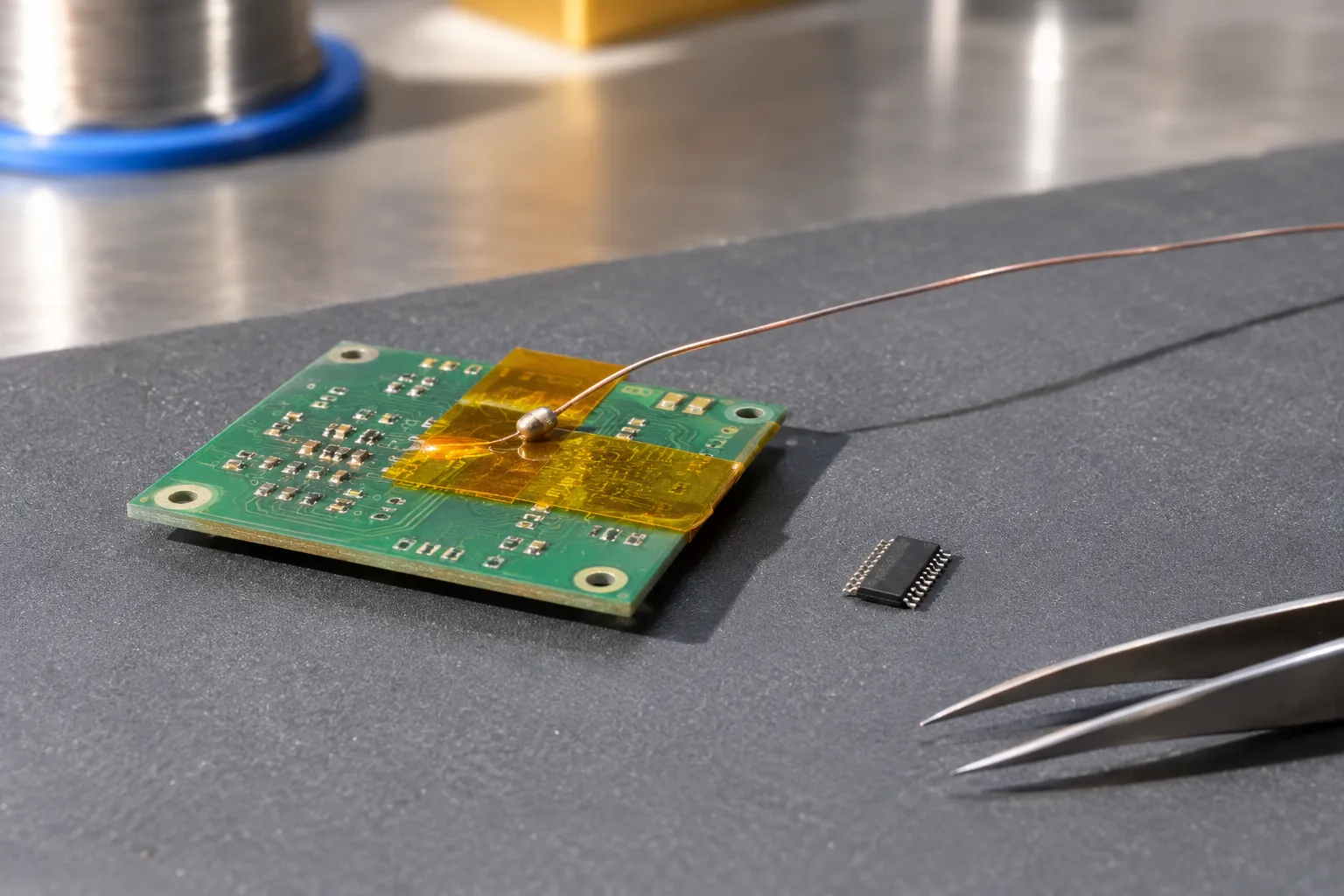
Checking the thermal path on the bench is a design and assembly activity; the buyer's contribution is to make sure the package and the operating temperature range reach the people doing it, in the documented wording.
Current Consumption: Quiescent Versus Active Supply Demand
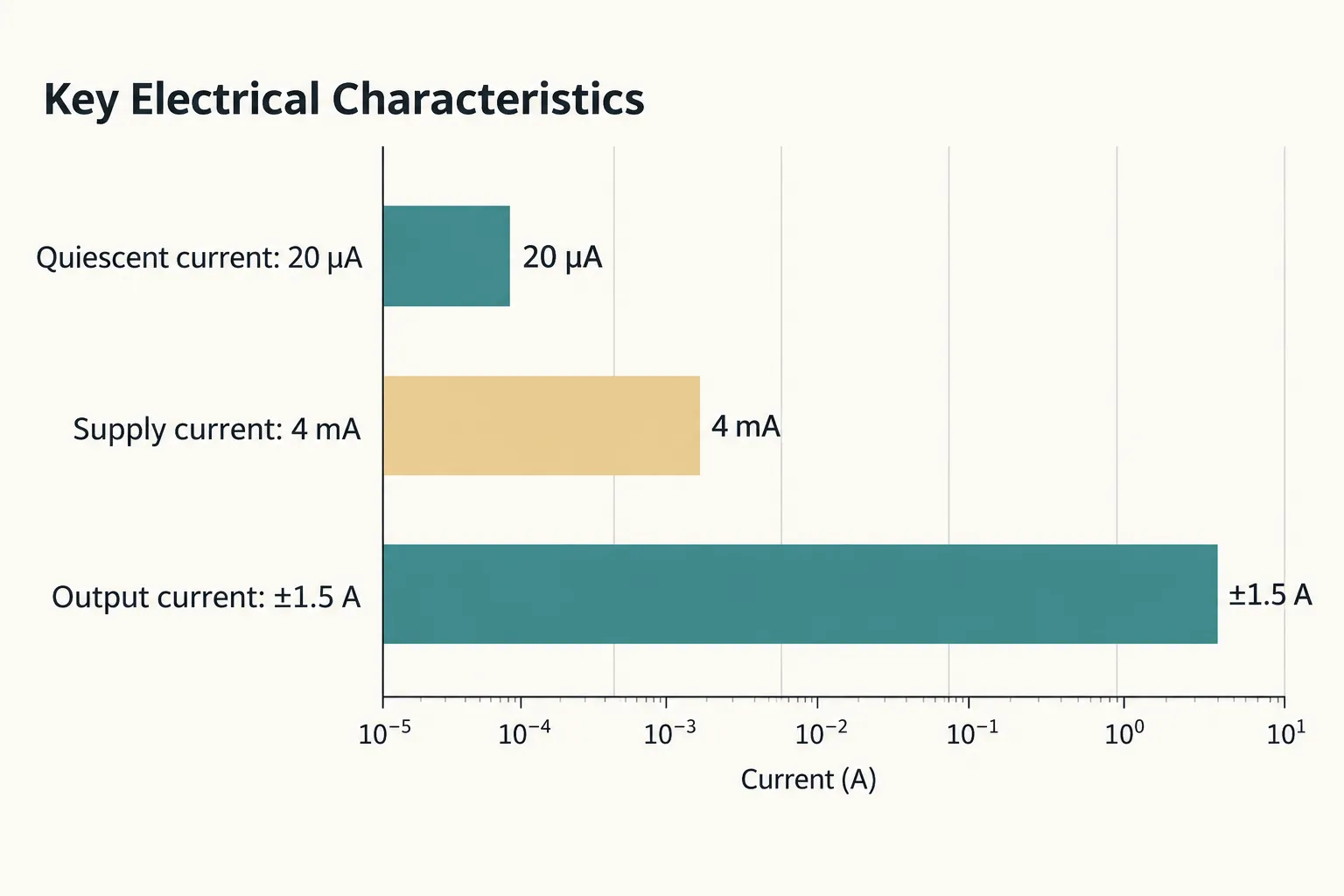
Two current figures are documented for the A3987SLPTR-T: a quiescent current of 20 µA and a supply current of 4 mA.
They answer different questions and should never be substituted for one another. The quiescent figure describes the device in its quiescent state and belongs to the standby side of a power budget. The supply current describes the device when it is operating and belongs to the active side. Using the quiescent value in an active calculation understates the demand; using the supply value for standby overstates it.
For a buyer, the practical step is to hand both figures to whoever owns the power budget, labelled exactly as documented, and ask which state the design spends its time in. The answer determines which figure carries the budget, and it is not a decision procurement can make from the datasheet alone.
One further distinction is worth writing into the request: the output current rating of ±1.5 A is a drive figure, not a consumption figure. It does not replace either of the two supply-side values above, and a request that lists only the output rating has left the power budget unaddressed.
Consolidating Confirmed Values Into a Specification Request
By this point the checklist has produced a set of documented values and a set of internal confirmations. Consolidating them means putting both in one place, clearly separated, so a reviewer can see what came from the document and what came from the design team.
| Parameter | Documented value | What the reviewer should confirm |
|---|---|---|
| Part number | A3987SLPTR-T | That every line of the request refers to this number and not to a similar one |
| Package | 24-pin TSSOP with exposed thermal pad | That the board footprint was drawn for this package, including the exposed pad |
| Pin count | 24 | That the land pattern provides 24 connections |
| Operating voltage | 8 – 50 V | That the design's supply rail sits inside this window |
| Output current | ±1.5 A | That the load requirement, stated in the same terms, is covered |
| Operating temperature | –20 to 85 °C | That the operating environment sits inside this range |
| Quiescent current | 20 µA | That the standby figure used in the power budget is this one |
| Supply current | 4 mA | That the active figure used in the power budget is this one |
A request assembled this way has three properties that matter at review. Every value is traceable to the document. Every open question is named, with an owner. And the part number appears once, in full, as the identifier for the whole line — A3987SLPTR-T — rather than being abbreviated or paraphrased anywhere in the chain.
That last point is not pedantic. Similar part numbers denote different parts, and a request that shortens or reorders the number invites a substitution nobody intended. Quote it as written, every time.
How to Request a Quote
Once the values above are confirmed internally, the request is ready to go out. Send NexCir the completed parameter list — part number, package, pin count, operating voltage, output current, operating temperature and the two current consumption figures — together with any internal reference your team uses.
A request that arrives with the parameters already confirmed can be read against the document line by line, and any point that does not match can be raised before a quotation is prepared. If a value is still open on your side, say so in the request: an explicit open question is easier to handle than a figure that looks settled.
Contact NexCir with your confirmed requirements to request a quotation for the A3987SLPTR-T.