
Why a Part Number Alone Is Not a Complete RFQ Line
A5984GLPTR-T identifies one device. On its own, though, it does not tell a supplier what you need confirmed, and it does not tell your own team what will be checked when quotations come back. A line that carries only the part number invites each respondent to fill the remaining space with their own reading of the datasheet — and the answers you receive will then address different questions.
The fix is structural. Keep the part number as the anchor of the line, and add a parameter block underneath it, written from the datasheet: operating voltage, output current, quiescent current, supply current, package, pin count and operating temperature. Each row carries a value and a unit. Nothing carries an adjective.
A block of this kind does two things for a buyer. It lets every supplier confirm the same set of values, so the returned documents can be compared line by line instead of paragraph by paragraph. And it gives your engineering and assembly reviewers a written record of what was requested, in case a requirement is questioned after the order is placed.
Writing the Supply-Voltage Requirement as a Verifiable Line
The operating voltage of A5984GLPTR-T is 8 – 40 V. Put it on one line, in that form, with both endpoints visible:
Operating voltage: 8 – 40 V
A respondent cannot confirm "a wide supply range"; they can confirm 8 – 40 V. The difference is not stylistic. The first phrasing asks for an opinion, the second asks for a check against a document, and only the second produces an answer you can file.
Two habits make the line stronger. First, label it "Operating voltage" rather than a looser term, so it is not confused with any other voltage figure that appears on the same datasheet. Second, keep both endpoints on the same line and in the same cell. If the requirement is copied into a shorter e-mail or a spreadsheet column, a split between minimum and maximum is exactly where information gets lost.
If your design operates inside the window, say that in words. Do not add your own rail figure to the parameter line — the line should state the device requirement, not the application condition, and mixing the two makes the value harder to verify.
Stating the Output-Current Requirement in the RFQ
The output current of A5984GLPTR-T is ±2 A. The polarity sign belongs in the line, not in a note below it:
Output current: ±2 A
Buyers sometimes drop the ± on the assumption that everyone reads the datasheet the same way. They do not. A respondent who answers a single-ended current figure is answering a different question from the one you asked, and the resulting document will look comparable while covering less than the requirement.
Write the line so that the figure is attached to the output, and keep it physically separate from the current figures that describe the device's own consumption. Output current and supply current appear on the same datasheet page and are routinely copied into the same row of an RFQ spreadsheet; once that happens, respondents have to guess which one you meant.
State the value once, in the parameter block, and let the rest of your document refer to it. Repetition in prose is where transcription errors start.
Separating Quiescent Current from Operating Supply Current
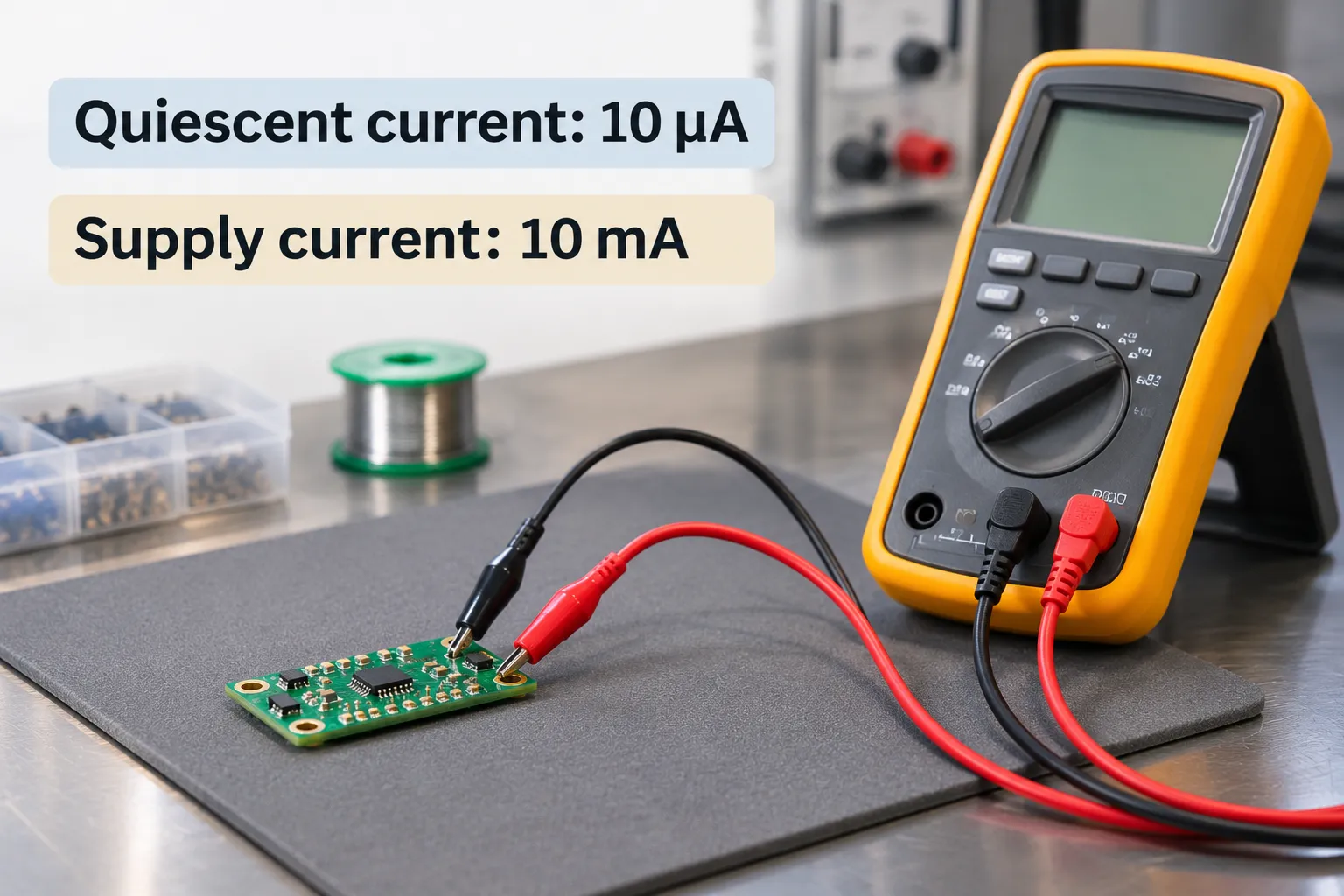
A5984GLPTR-T has two consumption figures, and they describe different conditions:
| Parameter | Value |
|---|---|
| Quiescent current | 10 μA |
| Supply current | 10 mA |
Quiescent current describes the device in its idle state. Supply current describes it while operating. Both are legitimate requirements; they are not alternatives to one another, and one cannot stand in for the other in a power budget.
Write each as its own RFQ line, with the condition named in the label:
Quiescent current: 10 μA
Supply current: 10 mA
On a bench, the two numbers come from two different measurement conditions — one reading taken with the device idle, another taken while it is operating. An RFQ that names only "current" collapses those conditions into one and leaves the respondent to choose. The condition label is what makes the returned figure checkable.
Describing the Package and Pin Count for Assembly Review
Two lines cover the physical device, and they are best written separately:
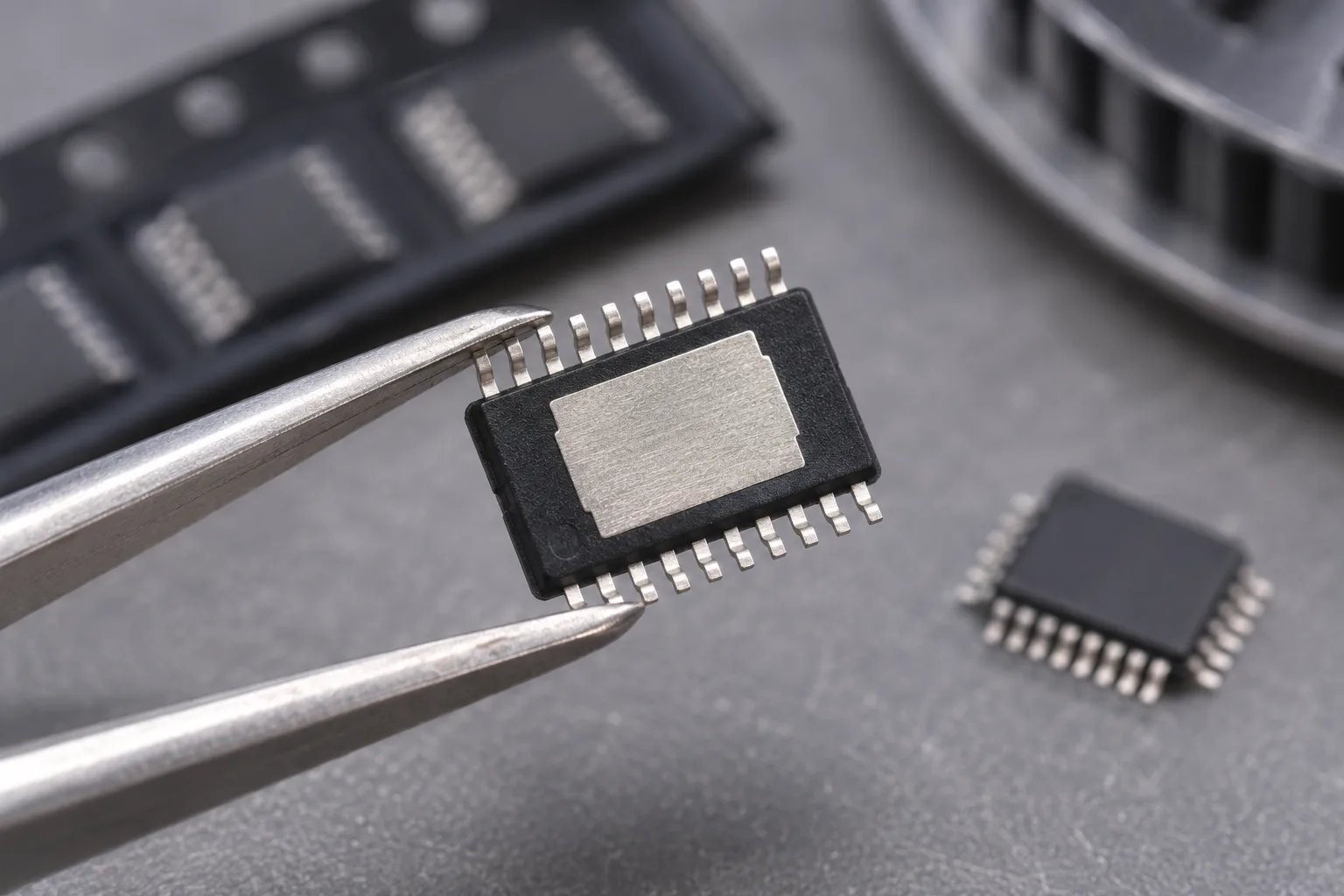
Package: 24-pin TSSOP with exposed thermal pad
Pin count: 24
The package description carries the body style and the thermal-pad detail in a single string. The pin count is then a plain number that an assembly reviewer can check against the land pattern on the assembly drawing and against the aperture count on the stencil. Keeping them apart means a reviewer can disagree with one without having to rewrite the other.
The exposed thermal pad deserves to stay inside the package line rather than in a footnote. It changes what the assembly reviewer looks at on the board file, and a detail that sits in a note at the bottom of an RFQ is a detail that gets dropped when the document is forwarded.
If the assembly team works from a checklist, the pin count line is the one they will tick first. Make it easy to find and do not bury it in prose.

Recording the Temperature Envelope and Thermal Pad
The operating temperature of A5984GLPTR-T is –40 to 105 °C. As with the voltage window, it goes on one line with both endpoints:
Operating temperature: –40 to 105 °C
An abbreviation of this range is worse than no range at all, because it looks complete. A respondent who reads only the first endpoint and a respondent who reads only the second will return documents that appear to agree with yours and do not agree with each other.
The thermal pad is not a temperature figure and should not be written as one. It is a feature of the package, so it belongs in the package line, and it is repeated there whenever a reviewer asks for it:
Package: 24-pin TSSOP with exposed thermal pad
Treating the temperature range and the thermal-pad package detail as two separately verifiable lines keeps the mechanical reviewer and the thermal reviewer working from the same text. One line states the envelope the device is specified over; the other states the body that envelope applies to.
Leaving Unknown Fields Blank Instead of Guessing
Every field in the parameter block should have a source. If you cannot point to a verified value, the field stays blank, or it reads "to be confirmed" — it does not get a plausible number.
The temptation is understandable. A list with gaps looks unfinished, and a number that is roughly right feels safer than an empty cell. It is not. A guessed value becomes a requirement the moment it leaves your desk; a supplier answering it will be answering a question you did not intend to ask, and the difference will surface later as a discrepancy rather than as a question.
Two specific traps. Do not fill a gap with a value carried over from a similar-looking part number — two similar numbers are different parts, and their parameters are not interchangeable. And do not convert a qualitative note into a figure, for example by turning a description of the application into a device limit.
Leaving a field open is a legitimate instruction. It tells the recipient that the point has not been settled and invites them to address it directly, which is more useful than a wrong value quietly entering the record.
How to Request a Quote
Build the parameter block for A5984GLPTR-T once, with the verified values in place and the unresolved fields left open. Then send that list to NexCir and ask for a quotation against it.
Because every line is stated in the same form a supplier would check it, the request needs no interpretation on either side. You can send the completed block as it stands, or send it with the open lines marked so they can be addressed separately.